For HR Teams
Learn AI as an HR professional.
A structured course that teaches AI fundamentals through tasks you already do: reviewing and writing HR documents, structuring interview evaluations, drafting sensitive announcements, and building templates you can reuse.
What is AI?
An AI assistant is a tool built on a large language model. Unlike a template library or a basic chatbot, it can hold an entire policy's context across a long conversation: the tone you want, the exceptions that apply, and the version you already rejected two messages ago. That matters for HR work, where the same message often needs several careful passes before it's ready to send. AI Learning teaches you how to work this way through real HR tasks: reviewing and writing documents, structuring interview evaluations, drafting sensitive announcements, and building templates you can reuse.
What HR teams use AI for
- 01
Reviewing and clarifying policy drafts
Paste in a policy draft and ask an AI assistant to flag anything unclear, overly formal, or open to misinterpretation. Provide your existing tone guidelines and it applies them consistently.
“Here's our draft remote-work policy. Flag any sentence a new employee might misread, and rewrite the three least clear ones in plain English.”
- Catch unclear or ambiguous wording
- Apply your existing tone guidelines
- Get plain-English rewrites, not just flags
- 02
Writing job descriptions
Turn a rough headcount request into a complete job description: responsibilities, requirements, and a summary that reflects your company's voice, not a generic template.
“We need a mid-level product designer, 3-5 years experience, hybrid in Austin. Write a full job description, and keep the requirements list under 6 bullet points so we don't scare off good candidates.”
- Turn a rough request into a full draft
- Match your company's voice, not a generic template
- Keep requirement lists realistic and short
- 03
Structuring interview evaluations
Turn scattered interview notes from multiple interviewers into one structured evaluation, organized by the criteria that actually matter for the role.
“Here are notes from three interviewers on the same candidate. Organize them by our four evaluation criteria: technical skill, communication, ownership, and culture add. Flag anywhere the interviewers disagreed.”
- Combine multiple interviewers' notes fast
- Organize by your actual evaluation criteria
- Surface disagreement instead of hiding it
- 04
Drafting sensitive announcements
Describe a sensitive change, like a policy update or a benefits change, and let an AI assistant draft a clear, calm first version you can review before it goes out.
“We're changing our PTO rollover policy starting next quarter, and some employees will have fewer rollover days than before. Draft an announcement that explains the change plainly and doesn't bury the impact.”
- Get a calm, clear first draft fast
- State the impact plainly instead of burying it
- Start from something reviewable, not a blank page
- 05
Building reusable HR templates
Once a message works well, ask the AI to turn it into a reusable template with placeholders, so the next similar announcement or job description starts from a proven structure.
“This announcement worked well. Turn it into a reusable template with placeholders for the policy name, effective date, and impact summary, so I can reuse the structure next time.”
- Turn a one-off draft into a reusable asset
- Standardize structure across future messages
- Save time on the next similar task
How you'll learn
AI Learning walks you through the fundamentals step by step, with structured lessons, practice quizzes, and a progress tracker so you always know where you stand.
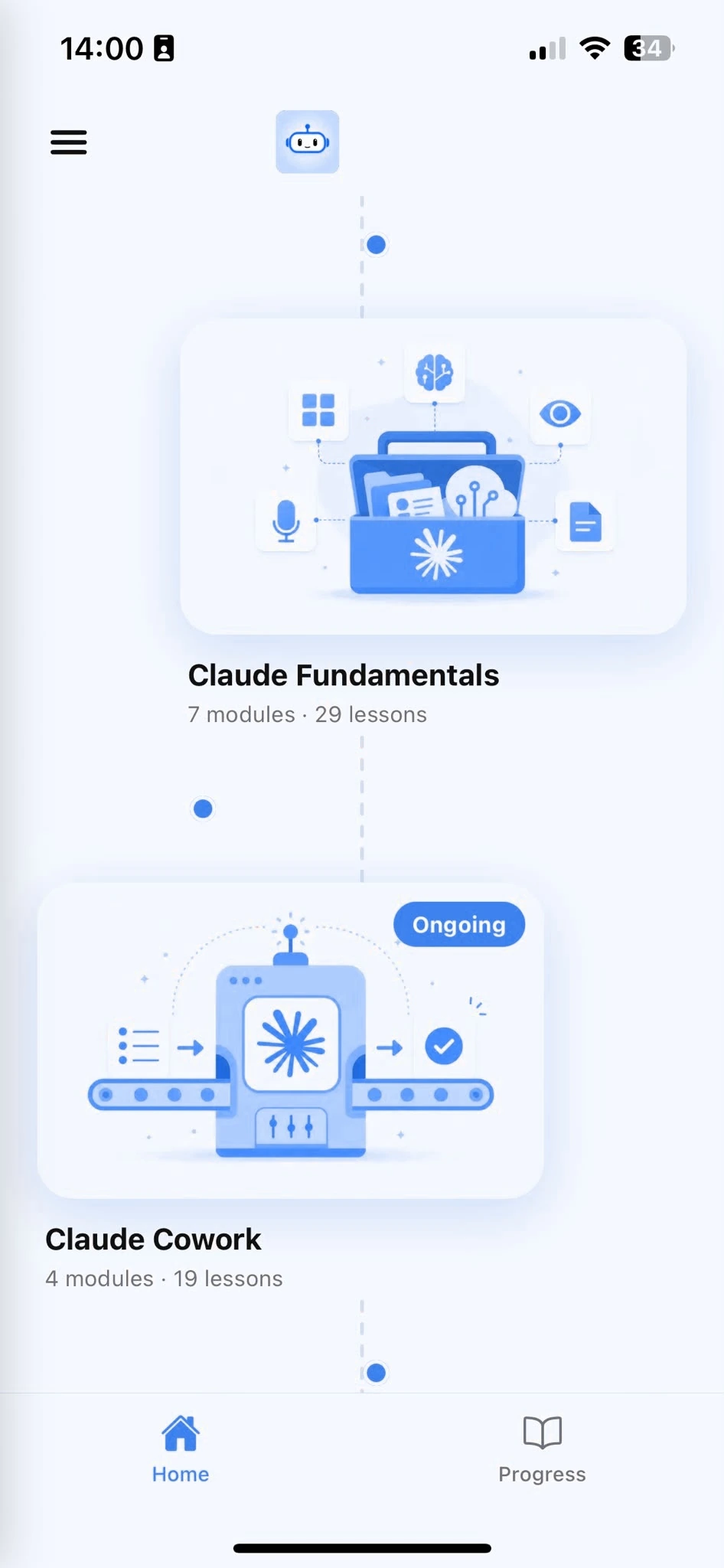
Browse Courses
Choose what to learn from a structured library of AI lessons.
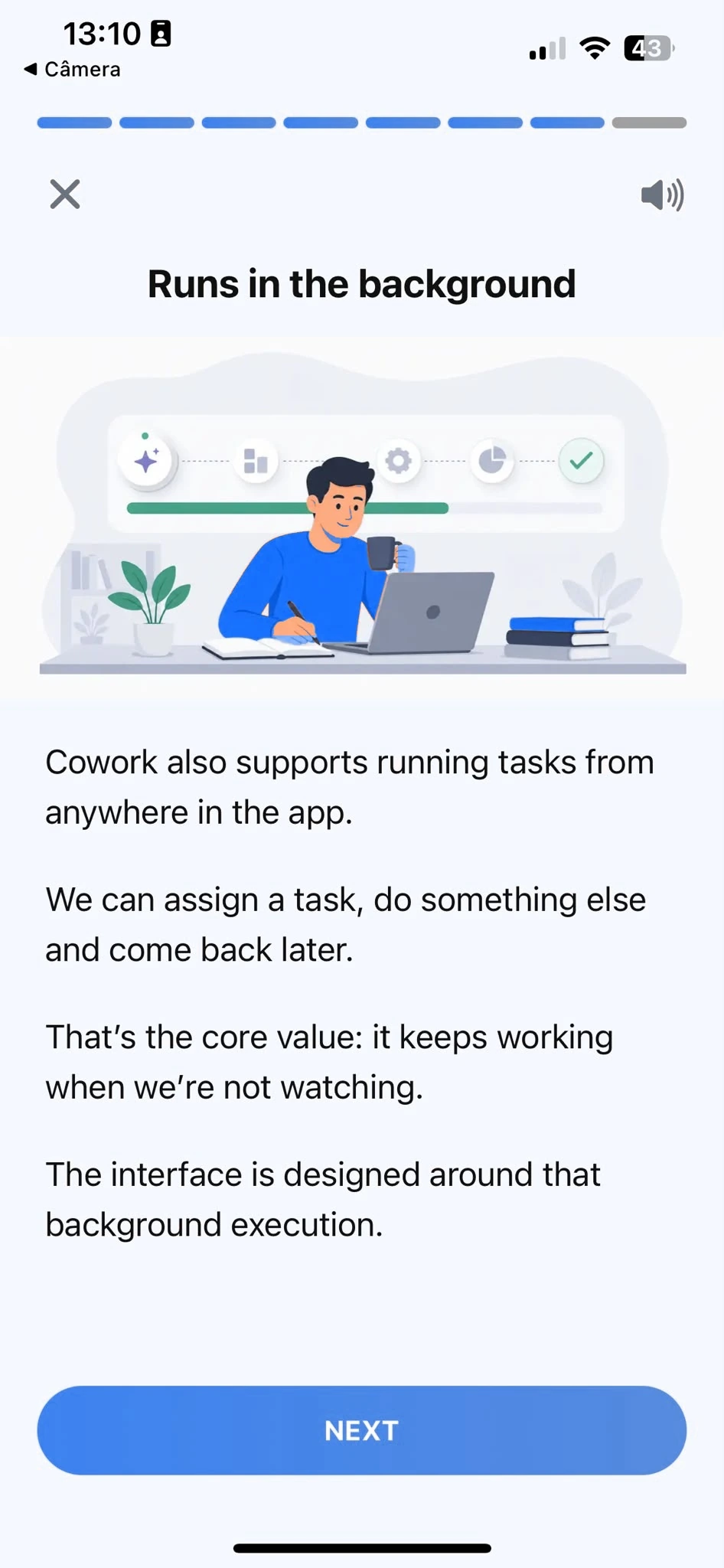
Learn
Short, focused lessons that build from fundamentals to real-world tasks.
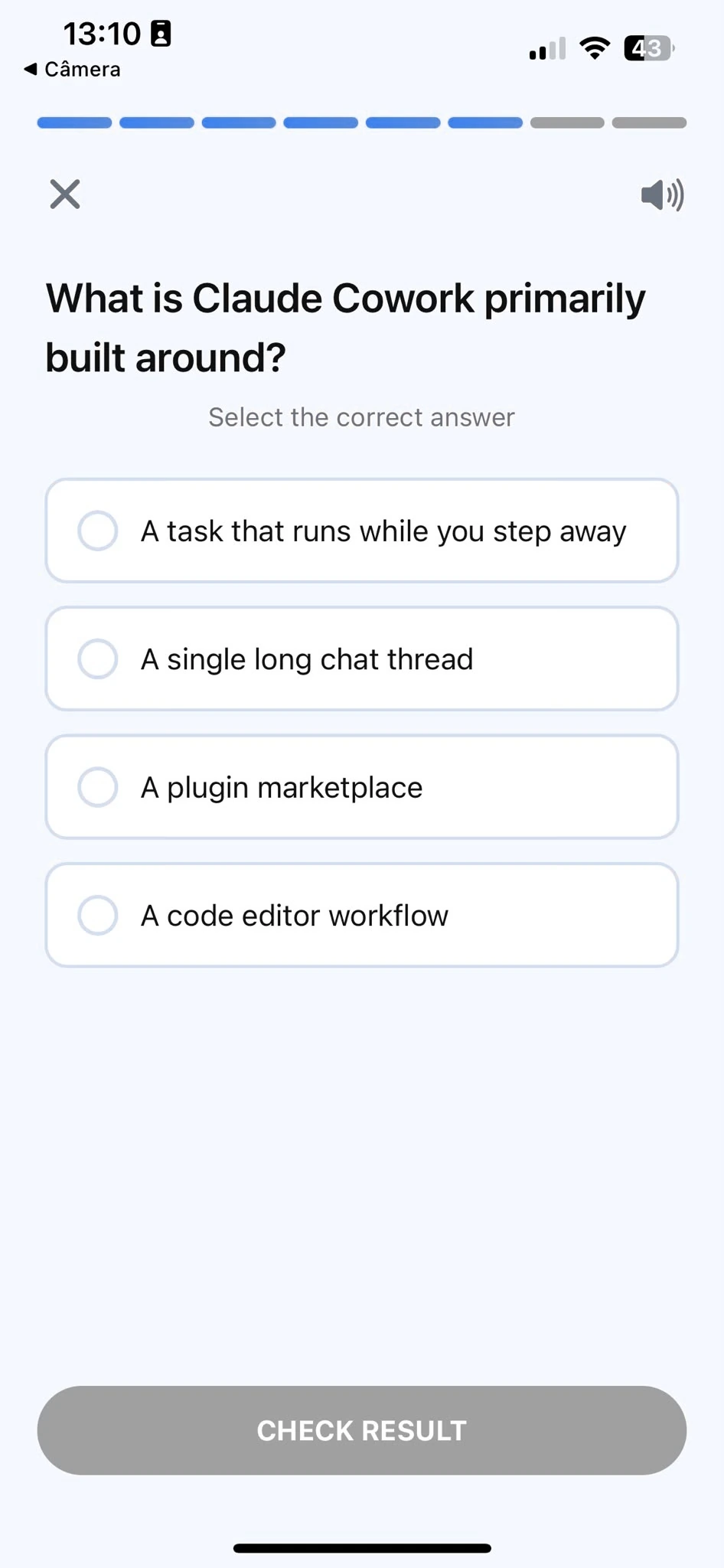
Quiz
Test your understanding right after each lesson, not at the end.
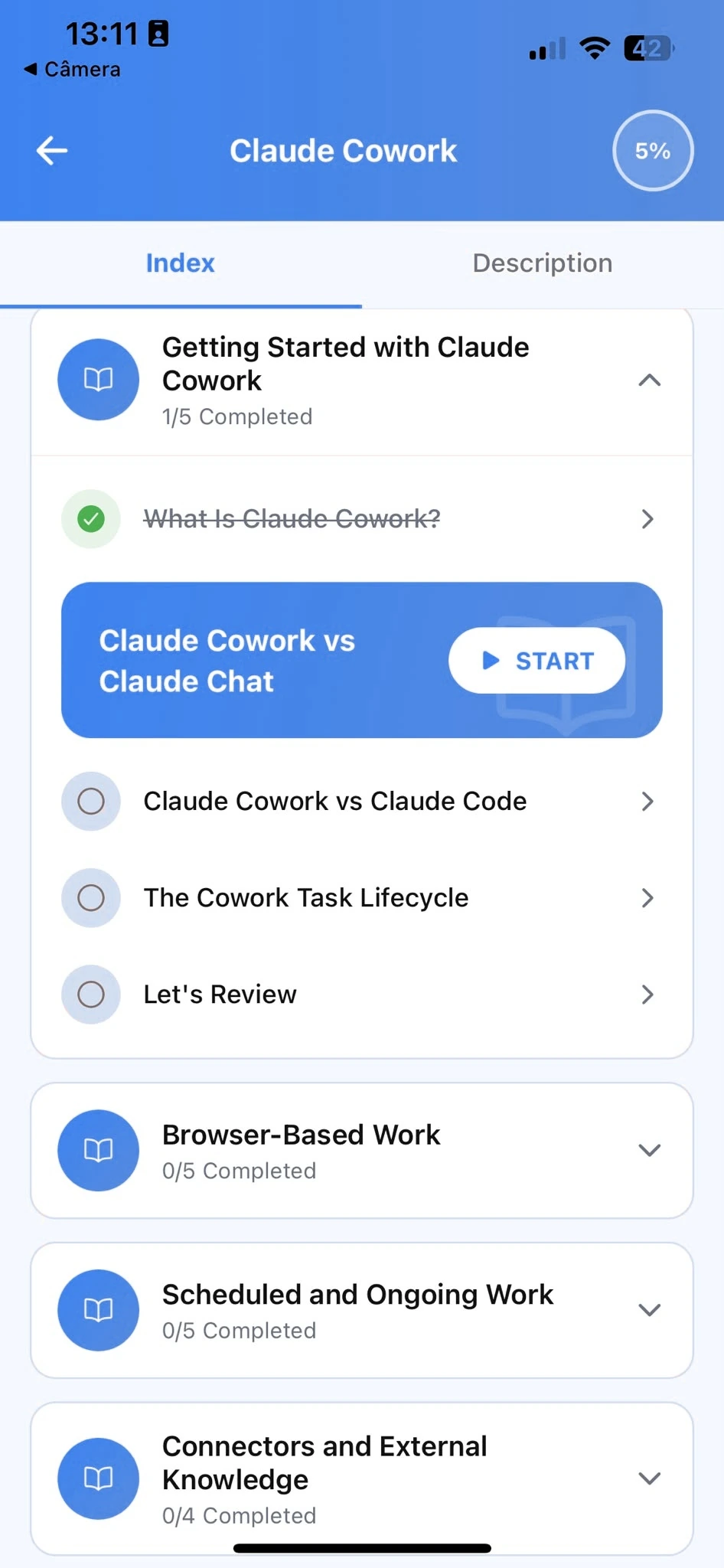
Track Progress
Pick up exactly where you left off, on any device, at any time.
Related articles
- HR8 min read
Writing Job Descriptions With ChatGPT That Attract the Right Candidates
Generic job description prompts produce generic postings that attract everyone and no one. What to include instead, with a real before/after.
Read article - HR8 min read
Writing Job Descriptions and Screening Notes With Copilot
A practical way to use Copilot in Word and Outlook for the parts of hiring that eat the most time, without losing the judgment calls that need a human.
Read article - HR8 min read
Using Gemini to Screen Resumes Without Losing the Nuance
A blunt "rank these resumes" prompt misses context a human reviewer wouldn't. Here's a more careful screening workflow, and where a Gem helps versus a single prompt.
Read article - HR9 min read
Using Grok for Screening Notes Without Losing the Human Judgment Call
A specific prompt sequence for using Grok to organize candidate notes without letting it make the actual hiring call.
Read article - HR6 min read
Claude for HR: Preparing a Performance Review Conversation
How a manager or HR partner can use Claude to turn scattered notes into specific, fair feedback for a review, without handing it the judgment.
Read article - Productivity5 min read
Claude Privacy Settings: A Real Walkthrough
What happens to your Claude chats, which settings control training, memory and incognito, and what to check before you paste anything sensitive.
Read article
Frequently Asked Questions
Do I need AI experience to start?
No. AI Learning is designed for people who have never used an AI assistant before. The course starts from the fundamentals and builds up to real HR tasks. If you already use one occasionally, the structured approach will still fill gaps and build more reliable habits.
How long does the course take to complete?
Most learners work through the core curriculum in two to four hours. The app is designed for short, focused sessions. A single lesson takes around ten minutes, so you can fit it into a working day without blocking off a half-day.
Will I learn to use AI specifically for HR?
AI Learning teaches AI fundamentals through examples HR professionals recognize: job descriptions, policy drafts, interview evaluations, and internal announcements. Every example is grounded in real HR work, not generic productivity tips.
Can I use a free plan while taking the course?
Yes. Everything taught in the course works with the free plan most AI assistants offer. A paid plan gives you more usage, but it is not required to complete the lessons or apply what you learn.
What if the message I'm drafting is legally or emotionally sensitive?
Treat the AI's draft as a strong starting point, never the final word. For anything with legal implications, like terminations or disciplinary action, or real emotional weight, have your usual reviewer (legal, your manager, or both) read the draft before it goes out. The course shows you how to get a clear first draft fast, so your review time goes into judgment, not staring at a blank page.
Start learning AI
Download AI Learning and start applying these techniques to your own HR documents.